

 README

README

sreader: A TUI Atom and RSS Feed Reader
 .
.

Installation
Linux
go install github.com/bmoneill/sreader@latest
$GOPATH/bin/sreader
Usage
sreader [-c configfile] [-s]
-c: Set configuration file-s: Sync feeds
Features
- Clean, intuitive TUI interface
- Open entries in browser or media player
- Vim key bindings
- XDG Base Directory Specification compliant
Keybindings
sreader uses Vim-like keybindings by default.
h: Go backj: Select next itemk: Select previous iteml: Open selected item/: Filter list itemso: Open selected list entry in web browserv: Open selected list entry in video playerr: Refresh feedsq: Quit
Configuration
sreader can load settings, including feed URLs, colors, keybindings, and paths through a configuration file. See config_example.toml for an example.
The example configuration file contains all the default values, besides the URL list. After installing, you can run sreader to generate a configuration file and then add your feed URLs. Colors must be in hex format.
sreader will also use $BROWSER and $PLAYER environment variables if not
overridden by your configuration file.
If $XDG_CONFIG_HOME is set, sreader will load config files at
$XDG_CONFIG_HOME/sreader/sreader.toml by default.
If $XDG_DATA_HOME is set (and these paths are not overridden in your
configuration file), sreader will default to the following paths:
DBFile:$XDG_DATA_HOME/sreader/sreader.dbLogFile:$XDG_DATA_HOME/sreader/sreader.logTmpDir:$XDG_DATA_HOME/sreader
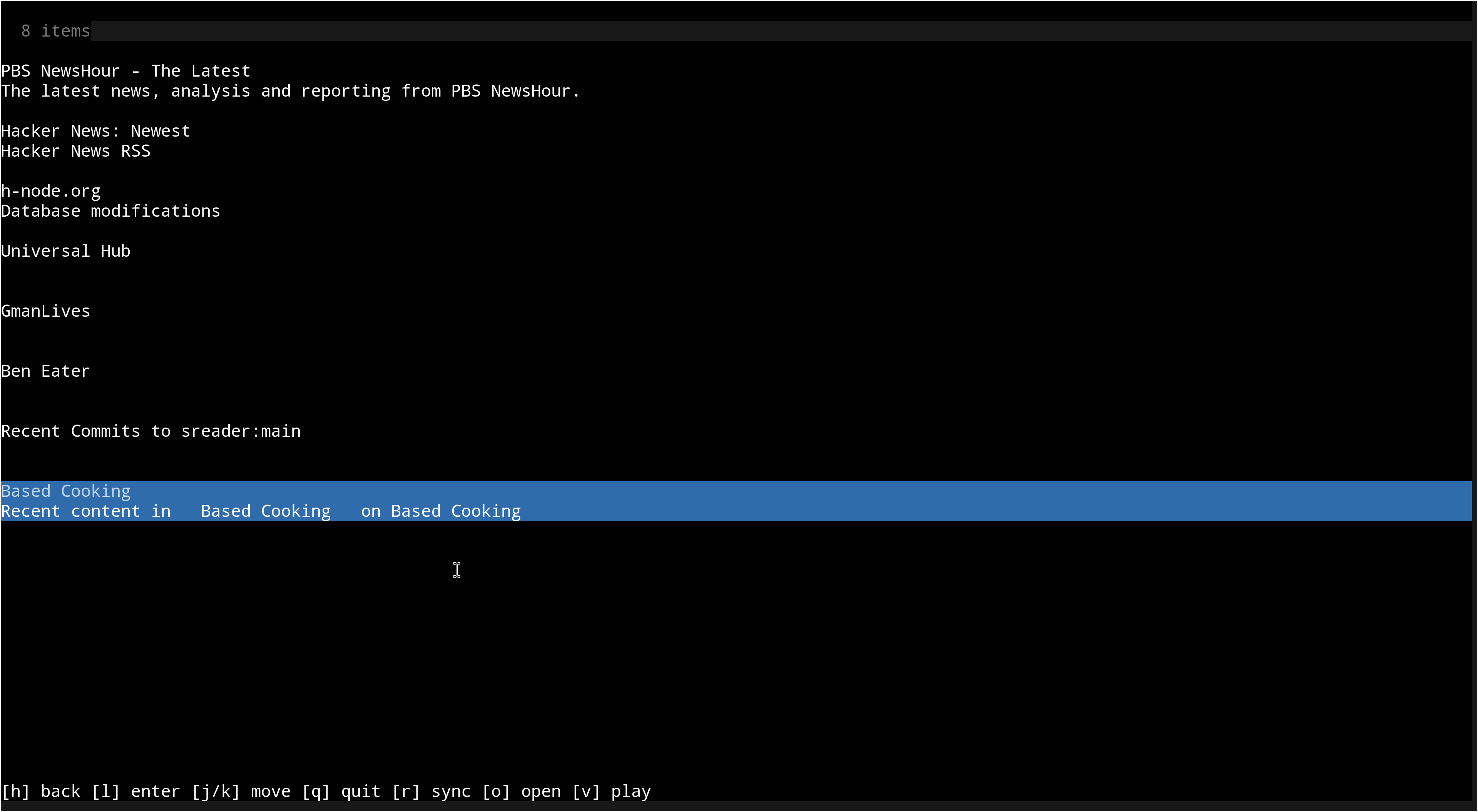
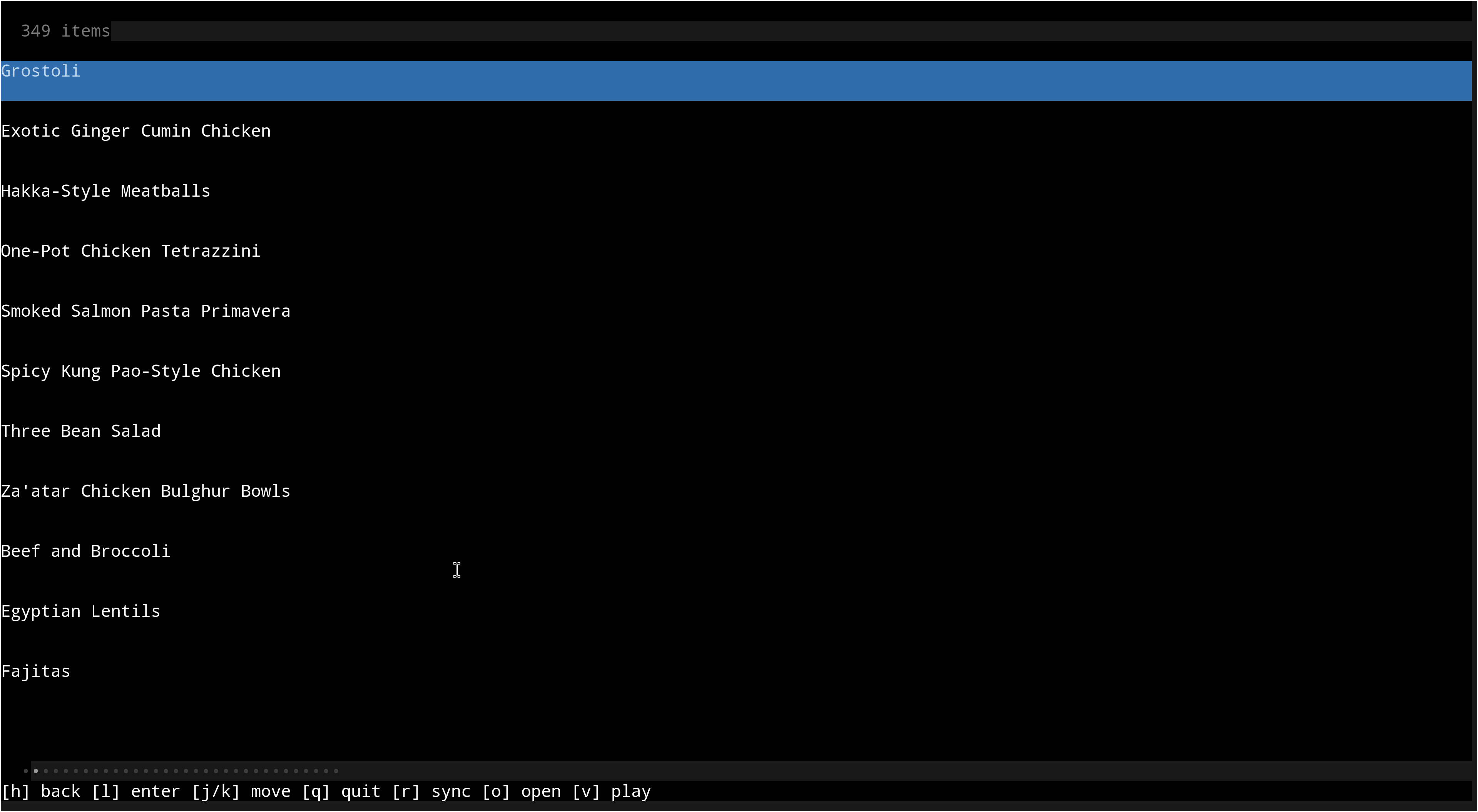
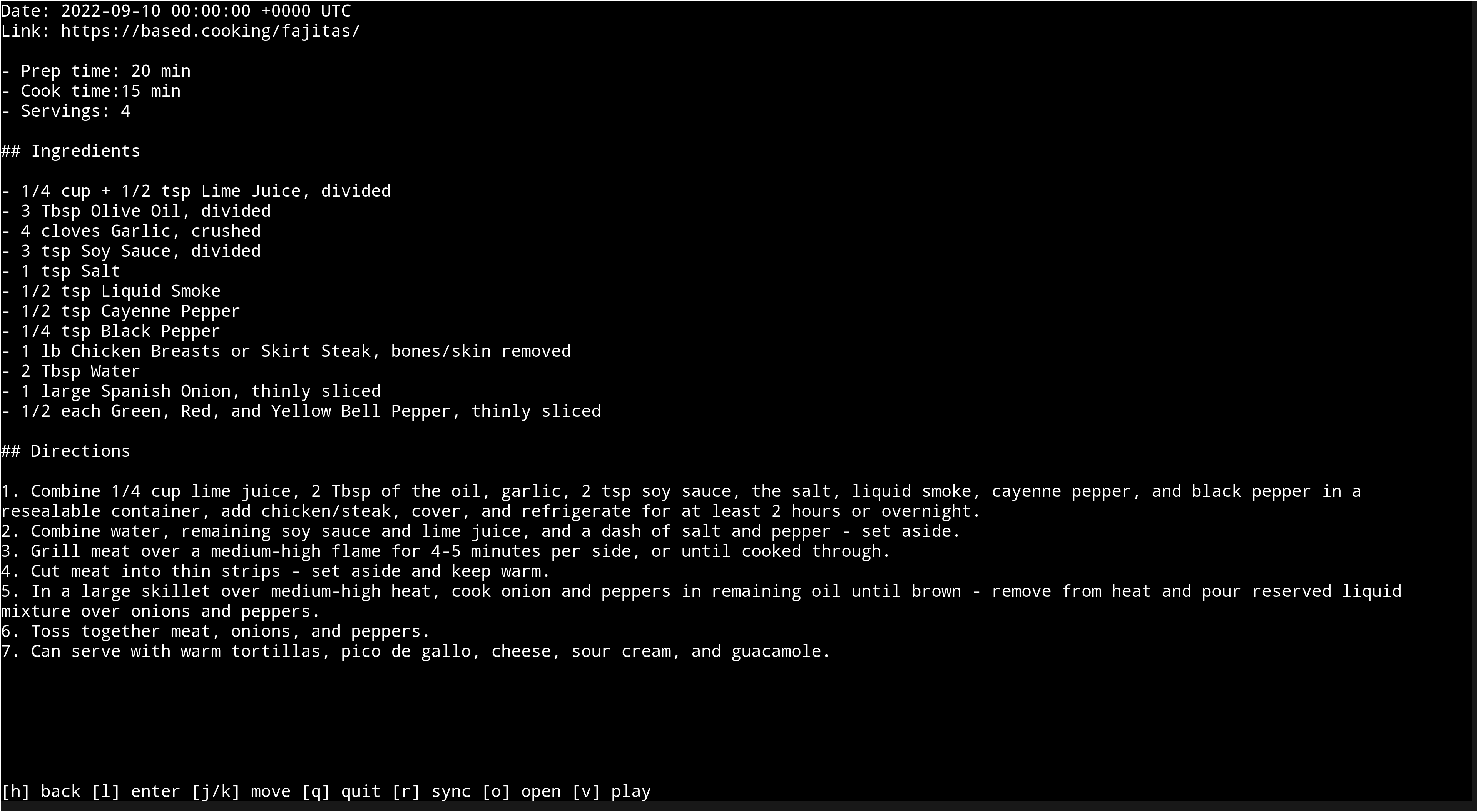
Screenshots
Index view
Feed view
Entry view
Bugs
If you find a bug, submit an issue, PR, or email me with a description and/or patch.
License
Copyright (c) 2020-2025 Ben O'Neill [email protected]. This work is released under the terms of the MIT License. See LICENSE for the license terms.
 Documentation

Documentation


There is no documentation for this package.
 Source Files
 Directories